


Zoom in on thumbnails
To help you avoid having to click on every image in your search results to decide whether it’s suitable, and to allow you to narrow down your options more effectively, a zoom feature is available.
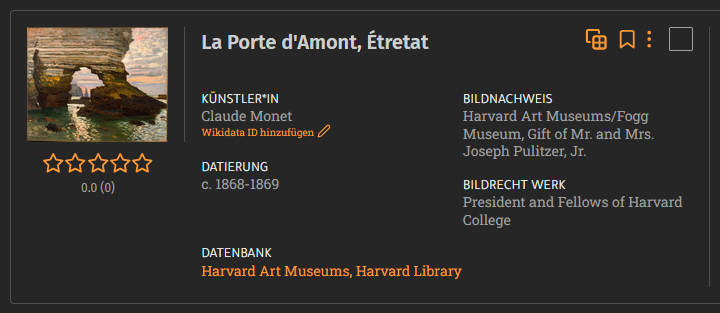
When this feature is turned on, you’ll see a magnified view while you hover your mouse over the image.
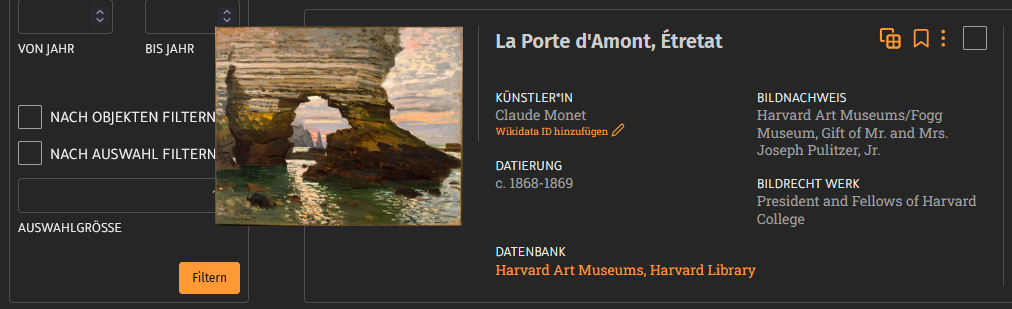
You can turn this feature on or off in the list view of your search results (which displays basic image metadata), in the gallery view with thumbnails, as well as in image collections, your favorites, and your uploads.

If you prefer to work with or without zoom, you don’t have to turn it on or off for each view; instead, you can set it by checking the box under “zoom thumbnails” in your settings. You also have this option there for image collection entries, uploads, and favorites.
