


Blog
Your access possibilities to prometheus
For several months now, we have been offering three different approaches to the image archive.
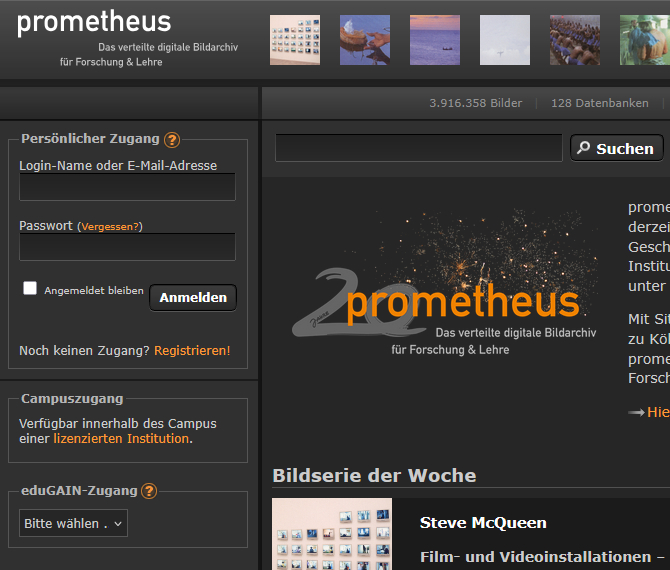
(1) If your PC is located within a network of the currently 168 licensed institutions, you can use the campus access. After you have read and confirmed the terms of use, you can use the simple and advanced search functions in the image archive.
(2) Or do you already have personal access, with a login name or e-mail address and password? Then you can use it to log in and use other functions in the image archive, such as creating image collections, creating your own image database or saving your preferred settings. If you don’t have one yet but want to use these functions, you can register to use the image archive free of charge if you belong to a licensed institution. For a one-week trial access, fill out a short form and after verification of your research interest, your account will be activated.
(3) Some of the licensed institutions now also offer eduGAIN access for you. And the number is growing. “education Global Authentication INfrastructure” is a global service that connects various national and regional identity networks in the research and higher education sector. It enables researchers and students to log in to various online services offered by other institutions or networks with a single login, without having to create separate accounts or log in to each service individually. You can currently log in via “single sign-on” if you belong to one of the following institutions:
Bibliothek PZ.BS, Basel
Fachhochschule Potsdam
Friedrich-Schiller-Universität Jena
Hochschule für Technik und Wirtschaft Berlin
Hochschule für bildende Künste Hamburg
Kunstakademie Düsseldorf
Martin-Luther-Universität Halle, Zentralbibliothek
Universität Greifswald
Universität Paderborn
Universität zu Köln
Universitätsbibliothek Bern
Zürcher Hochschule der Künste
NFDI4Culture enters the next round
At its meeting at the beginning of July, the Joint Science Conference of the Federal Government and the Länder decided that all nine consortia from the first round for the development of the National Research Data Infrastructure will continue to receive funding. In October, NFDI4Culture will therefore continue. We are also very happy about this, because the University of Cologne is a co-applicant institution with the prometheus image archive and, together with the University of Paderborn, responsible for the department of tools and services.
New rubric: “Did you know ...?”
Prospectively, we will occasionally open small drawers in our image archive for you – and give you some quick tips. In our rubric “Did you know …?” we will be presenting some charming details at irregular intervals that sometimes remain hidden.
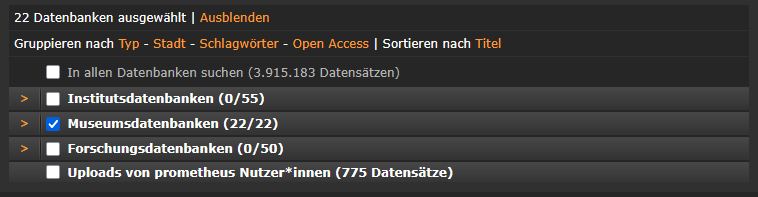
- Did you know that you can select the databases to be searched for your search term in the Advanced Search?
The default setting in the advanced search is to search in all databases. However, you can choose to search only in institute, museum or research databases or in the upload databases of prometheus users …
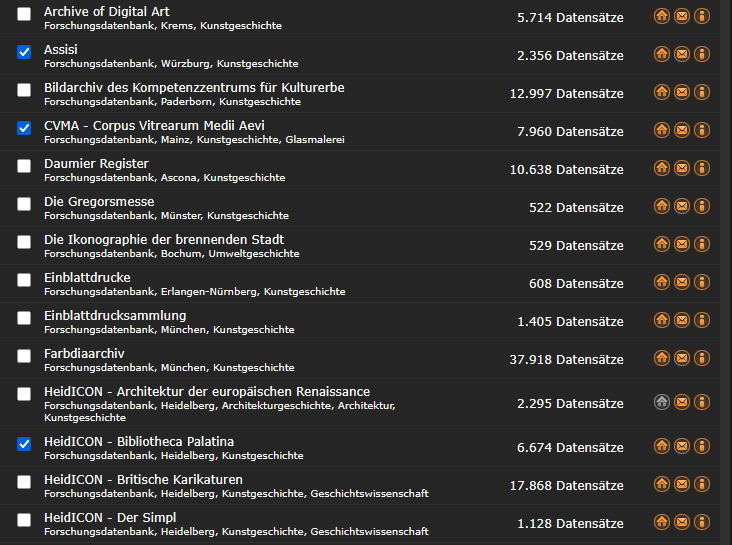
… or should only be searched in sporadic image databases.
- Did you know you can change your e-mail address in your profile?
If you are logged in with your personal account, you will see your name at the top right. Click on the name, then on the pencil and you can enter a new e-mail address.
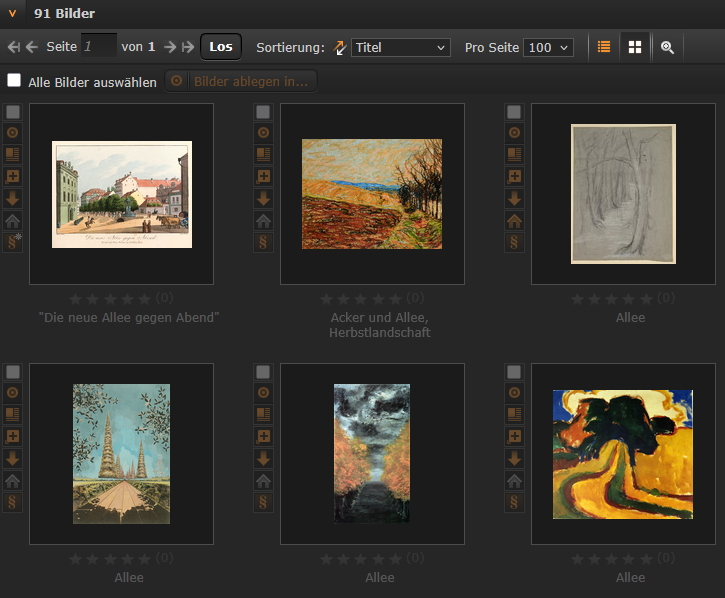
- Did you know you can sort the images in the image collections by title?
Images in image collections are sorted by default according to “insertion order”. You can choose nine other ways to display your images, for example by “Title”:
Redesign: penultimate step
We have already announced it. The updated version of the image archive will soon be online. On our test server „next“ we have gradually implemented all functionalities with a new design over the last few weeks. The next image archive is optimized and modernized, at the same time recognizable, familiar, clear and understandable.
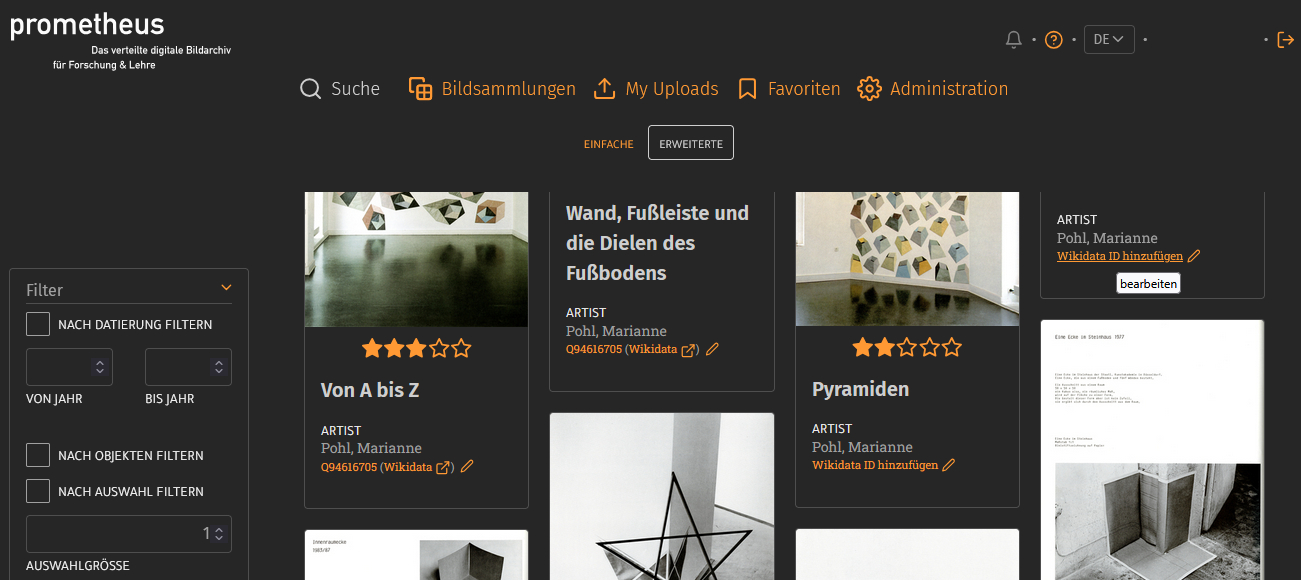
In the penultimate step, we are currently testing extensively on our development server. If you would like to have a look and try out how it feels, whether everything works as usual and what is new, and if you would like to give us feedback on your sessions, then you are welcome to send us an e-mail to newsletter[at]prometheus-bildarchiv.de and we will give you an account there.
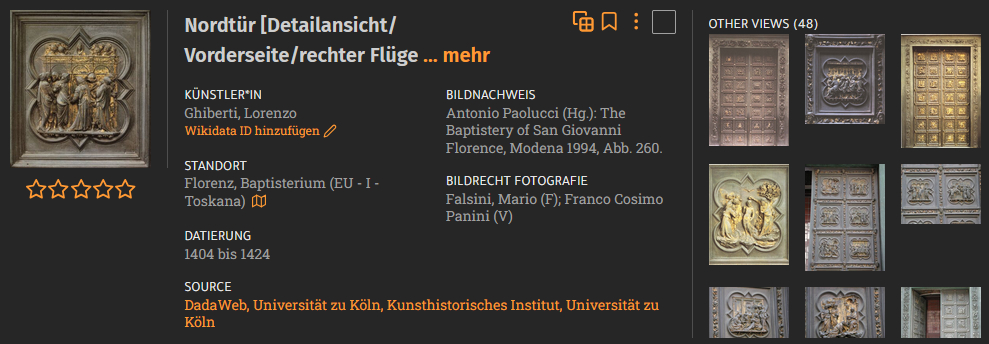
Similar images?!
Since 2021, an image similarity search has been integrated into prometheus, with which you can find similar images for an image within the image archive.
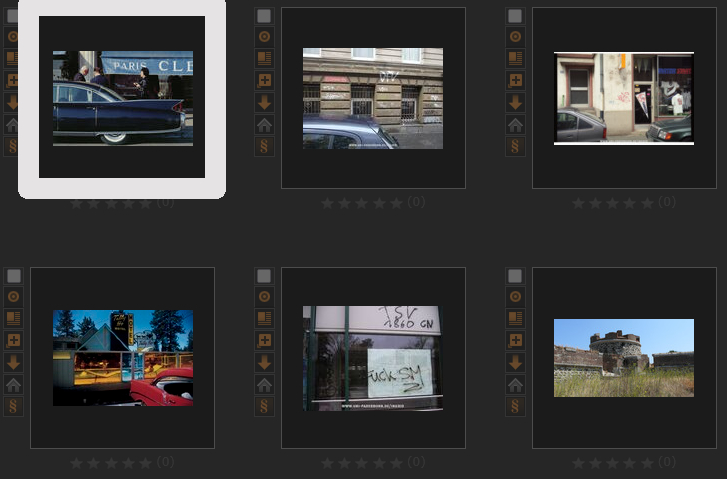
It was developed and integrated by Francisco Mondaca and Jörg Koch within Task Area 3 of the NFDI4Culture project. Based on the self-supervised learning algorithm SwAV (Swapping Assignments between Views), image vectors were created that are pre-calculated for all images in the image archive and stored in the index so that search engine queries are reduced to calculating the distance between these vectors stored in the index. Further image vectors are created at regular intervals for all new images in prometheus and stored in the index.
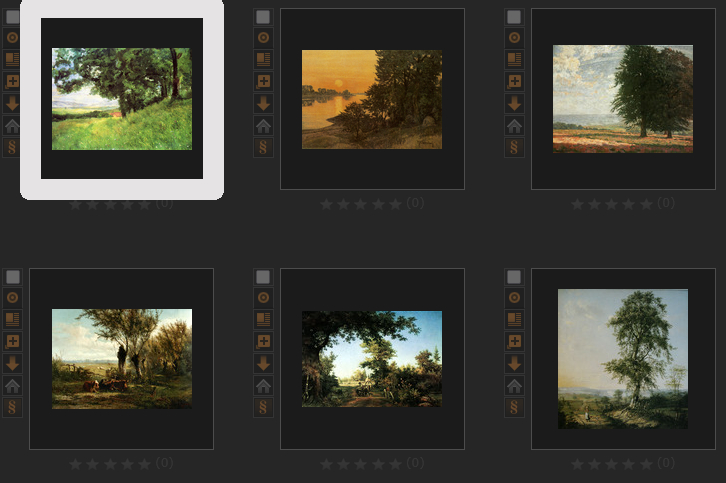
The results of the image similarity search can be found under the images in the image archive. Initially, four “Similar images” are displayed there. With one click you can directly “Show all”.
Publishing Images – Rights and Permissions
We occasionally receive inquiries from your community asking whether we can grant permission to publish one of the images in prometheus in a publication or on a publicly accessible website. We always have to decline these requests, as prometheus itself does not hold any image rights.
But we support you in obtaining these permissions.
First of all, we have general information on image rights and the use of images in prometheus published on our website. Then, directly next to the image (on the left), you will find a link (§) to the image rights of the selected image.
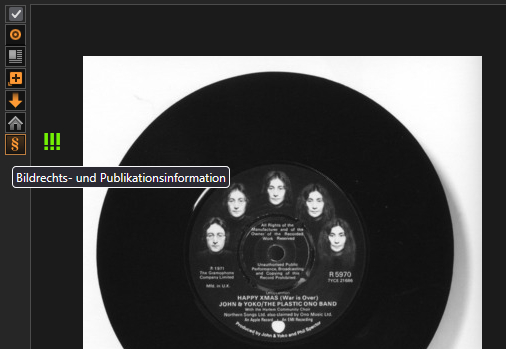
There you can click to access information on the image rights of the respective artwork (1.a.), of the respective photograph (1.b.), on the image credit (2.), and on the image database from which the work originates in the archive – including instructions on how, with whom, and where to clarify publication rights.
If the usage rights are, for example, held by VG Bild-Kunst, you will find the direct link in the field “Image Rights”.

If the paragraph symbol has an asterisk (§), then you can obtain the publication permission directly via a link, as in our example of “Evening Return” from the image database “bpk – Image Portal of Art Museums, Image Agency for Art, Culture and History, Prussian Cultural Heritage Foundation, Berlin”. Indicate what kind of publication you intend to use the image for, fill out the form, and submit it.
In some cases, you do not need permission to publish images. Public domain works are no longer protected under copyright law. This also applies to works under the Creative Commons Zero license. In some cases, it is requested that when reproducing such images, the artist, title, date, and institution are mentioned in the caption – for example, for images from ‘The Art Institute of Chicago’.

… and for presentations in lectures, talks, or lesson preparation, as well as for use in research and teaching, you may freely use the images in the archive. For this purpose, we have concluded a contract with VG Bild-Kunst, which also permits the inclusion of the images in prometheus by the various image databases.
Your ratings of pictures
3,913,931 images and 44,344 ratings of images are the current figures in the image archive. So there are not that many image ratings. We are currently wondering what the reason for this might be.

Results from last year’s survey and from various seminars have given us brief indications that the rating of images with up to five stars may be known, but that we have not yet sufficiently communicated the advantages of image ratings for you in your searches and collections. So let’s start with that.

The rating scale ranges from one star for „unusable“ to three stars for „usable“ and five stars for „very good“. By awarding stars, you rate the quality of the images. Criteria include resolution, color fidelity, image detail and orientation as well as Moiré pattern. These ratings automatically influence the ranking when the relevant search results are displayed.
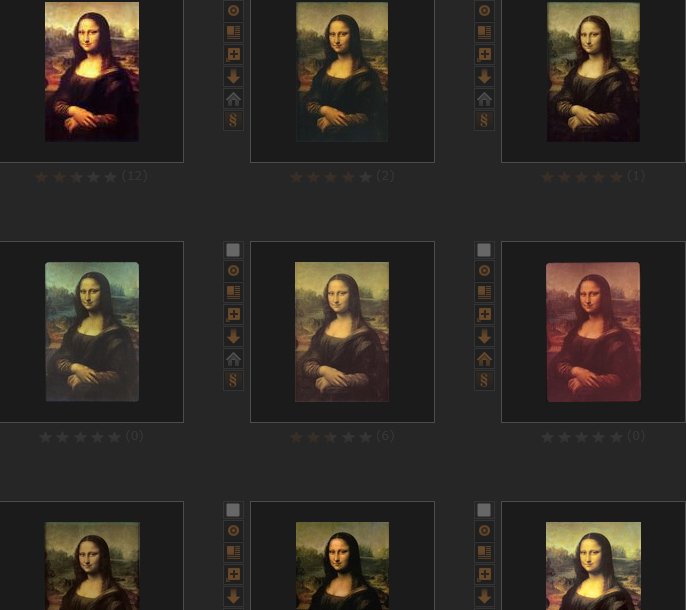
In addition, you can actively use the sorting options „by average ratings“ and „by number of ratings“, as in our example of the image collection „Image series 2025 / 18 – Animals in art“. In the first case, the images are sorted according to the average rating values, from 5.0 to 3.0, and in the second case according to the number of ratings, from 2 to 1.
Do you agree with the ratings given or do you see an image rated with three stars („usable“) differently?
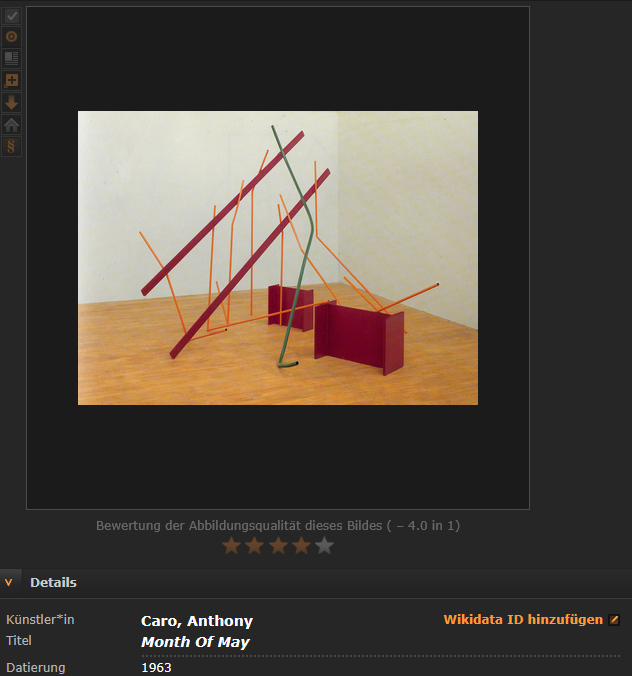
You can also place more precise descriptions such as „mirror-inverted“ in the comment directly on the image. A search with this search term shows, for example, the images commented on in this way, because the comments are integrated directly into the search index.
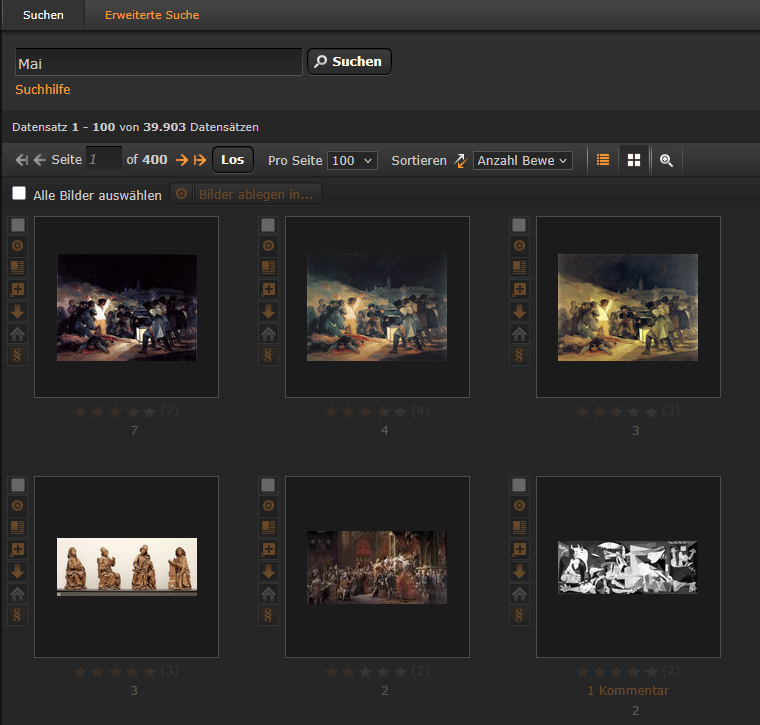
However, you can also see the comments on the image without searching for them when the search results are displayed both in the gallery view and in the list view directly below the image. By clicking on „Comment“ you will then receive the additional information from the community directly. By optimizing retrieval in this way, you can benefit from the expertise of others and contribute your own knowledge.
Own profile, individual settings
With a personal account at prometheus, you can not only use the simple and advanced search, but also create image collections, rate images, comment on them, define favorites, upload your own images to your own image database and add to and update your profile.
You can access your profile by clicking on your name in the top right-hand corner. Your profile will open and you will see your name, e-mail address, … Another click on the pencil and you can change these details. You can also change your institution or license so you can continue to access your content if you change university or institute or switch to an individual license.

You can specify how you prefer to work in the image archive too. Under ”Settings“ you can define access, search, image collections and uploads individually. Do you want to start with the simple or advanced search? Do you prefer the gallery or list view, preferably with 20 or 100 results on one page?

Link, use, complement
Wikidata IDs are integrated into prometheus in various ways. These unique identifiers for objects in the Wikimedia Foundation’s free database always begin with the letter Q and a sequence of numbers. For example, Q365 is the identifier for Cologne, and Q2112768 is the identifier for prometheus, the distributed digital image archive.
If Wikidata IDs are provided by the integrated image databases, they are Wikidata search links in the image archive that you can click directly, allowing you to access the corresponding authority data in Wikidata outside of prometheus. Within the image archive, you can search directly for the Wikidata IDs and add the corresponding Wikidata ID to the artist fields of the images. Clicking on the pencil also allows you to make corrections.

So far, you’ve added 7,062 Wikidata entries for 636 artists this way. While we were still looking forward to the first 1,000 links in June of last year, we’re looking at the first 10,000. :-)

The data can be maintained by anyone in this publicly accessible Wikidata database. If something is missing, a quick registration is sufficient, and an additional ID with a description can be added. To be able to use this structured data more widely for internal research in prometheus, we want to integrate additional editing fields into other fields. Where should we start?
We are very interested in your opinion and have created a very short survey:
„prometheus + Wikidata 2025“ (in German only).
Thank you for your support!
Filter search results specifically by date
If you search for “spring” in the simple search, Prometheus will display nearly 4,500 records, which you can sort and then display by date. If you search for “spring” in the title in the advanced search, fewer results come up, and you can now filter these by date.

If you enter the period from 1900 to 2025, you will see 293 data records. These include images with “1870–1994,” “around 1895,” “ca. 1895–1900,” “first quarter of the 20th century,” and years from “1900” to “2016.”

What’s behind it?
The dating of each image from the 128 heterogeneous image databases currently integrated into Prometheus is specified in the corresponding field.
These are read for the filter. A year such as 1972 or a specification such as “from 2005 to 2025” is unambiguous, but a specification such as “around” or “approx.” is not. It cannot be automatically read and must be translated in a way:
How many years does an approximate period represent? The beginning, middle, and end of a century, as well as the first and second half or first third to fourth quarter of the century, also require a definition first, see „Parse human historical datings and convert them to Julian day ranges“