


Blog
Our YouTube Channel
In preparation for our plan to live-stream Björn Ommer’s keynote, “We Don’t Need More of This* AI,” at our anniversary conference, we’ve done a bit of tidying up on our YouTube channel.
The header and information have been updated …

… and we have moved the videos from previous conferences from Vimeo. A few videos have been added to existing playlists.

That’s not all. Over the next few days and weeks, we’ll be adding more videos, and if you’d like to be notified right away when something new is posted, feel free to subscribe to our YouTube channel.
Objects in Your Database
Anyone with a personal account for the image archive can upload their own images to Prometheus, either solely for their own research and study purposes or to make them available to everyone else. You will find ‘My Uploads’ in the top navigation bar next to ‘Search’ and ‘Image Collections’.
First, select an image file from your hard drive and then fill in the required fields. These include the title of the work depicted and details of the image rights. Click ‘Save’ and the image will appear in your image database. You can edit these images at any time, for example to add metadata or to link them to other images.

The list shows the titles of all the images you have uploaded. Select an image to create a link.

The relevant links will then be displayed under ‘Further views’.

Städel Museum Digital Collection
As of today, 27,632 records from the public domain of the Digital Collection have also been integrated into prometheus via the OAI (Open Archives Initiative) interface provided by the Städel Museum for data exchange.

To get a good overview of the content in this newly integrated image database, go to “Advanced Search,” select this specific database from the list of museum databases (rather than searching all databases), and then start your search by, for example, using * in all fields. We hope you enjoy browsing.
Export image collections
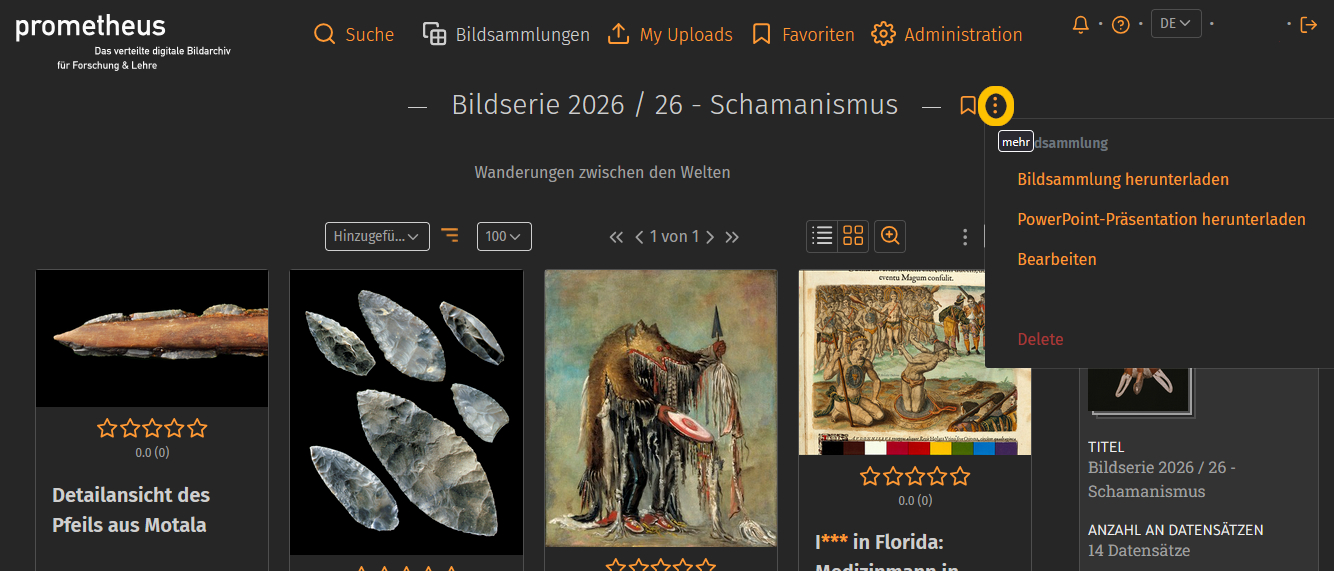
Many of you are currently searching through 137 very diverse image databases for images related to your various interests for a range of projects. Your search results usually include a variety of images that are relevant to your presentations, term papers, or research questions. Anyone with a personal account on prometheus can save these search results internally in image collections. You can also export the image collections to use them externally for research or teaching purposes, either as a ZIP file (Download Image Collection) or as a PowerPoint file (Download PowerPoint Presentation). After extracting the files, you will either receive a folder containing two files (.jpg and .txt) for each individual image, or a presentation with slides for each image along with the corresponding metadata. You can find this export feature directly in the image collection next to the title. Click on the three dots.
Website adjustment to the new design
When we discuss the image archive and explain features such as searching or creating image collections in more detail, we are always referring to the actual application within prometheus: pandora. However, our online offering consists of two parts, and the second part is our website. A few years ago, we decided against using a large content management system (CMS), which would have to execute a large amount of code and make database queries for every page view. A system like that isn’t necessary for our needs, so it wouldn’t be particularly efficient, and it’s also prone to errors and security vulnerabilities. Instead, we generate the website using Jekyll, a software program written in Ruby. Jekyll allows us to create static HTML web pages using simple text files. The content and layout files are read in and define the text and design.
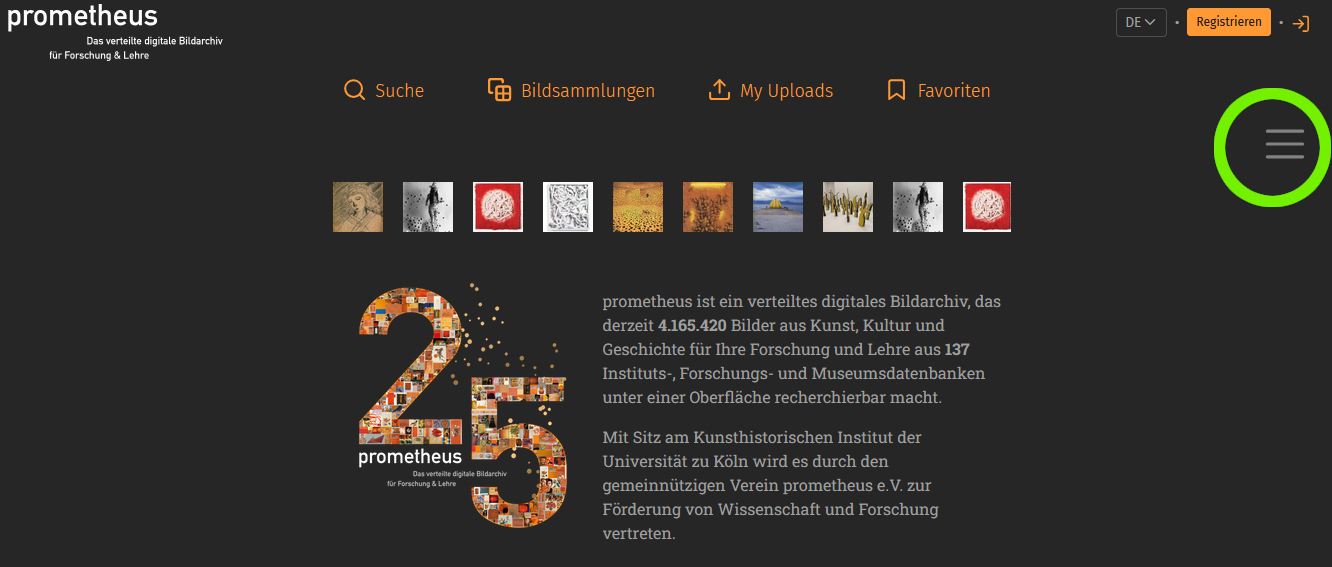
We have now updated these pages to match the new design as well. The navigation menu is now located in the top right corner as a “hamburger menu”, which you can expand and collapse to view all the menu items that were previously available.
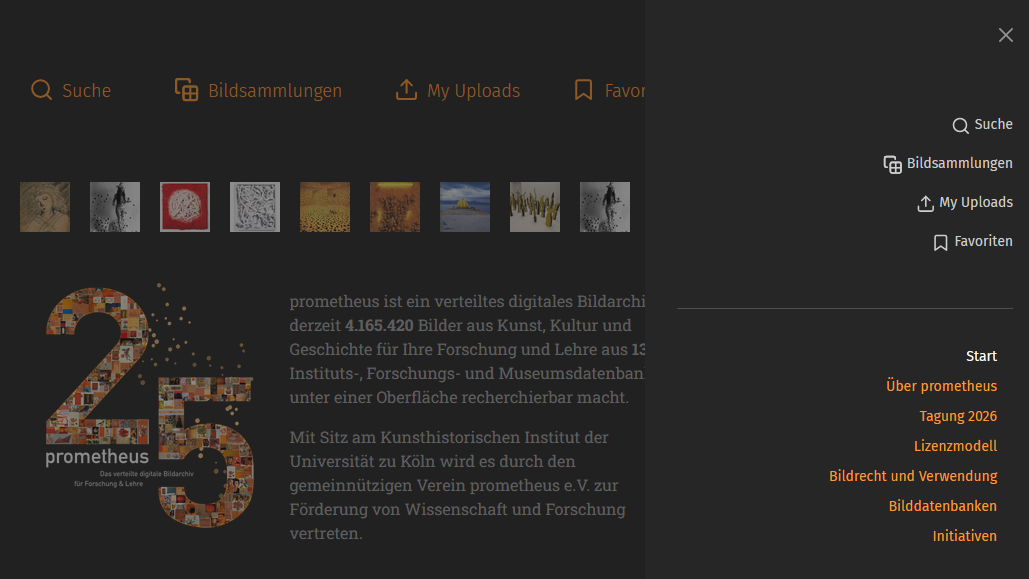
Image database updates
The number of images available for your research in prometheus is constantly growing. This is either because we are able to integrate a new image database or, more commonly, because we are updating the existing databases. During an update, newly added records are indexed, or changes to existing records are incorporated into the index, ensuring that the search engine in prometheus contains accurate and up-to-date data.

A recent example is the Maya Image Archive at the University of Bonn’s Department of Ancient American Studies, a research center affiliated with the North Rhine-Westphalia Academy of Sciences and Arts. As of this week, 19.982 records from the research database are available—records from image collections containing photographs, drawings, notes, and manuscripts that allow users to search through the results of several decades of research expeditions throughout the entire Maya region.

New planned features
We are currently planning the next implementations of new features for the image archive.

- “Autocomplete” for search terms: automatically completing your input in the search field as you type, to save time and simplify usage.
- “Faceted Search” as a filtering method: search results can be specifically combined and narrowed down using predefined attributes (facets).
- display “Search History”

- “Multiple File Upload” in own image databases.

- “Pinboard” for questions from the community, for example: “Can anyone help me? I’m looking for a rear view of the Albertus Magnus statue by the artist Gerhard Marcks, which stands in front of the main building of the University of Cologne."
All features will be implemented—the only question is when: Which of the functions should we implement first? What order would you prefer? Please drop us a quick note with your preferred order, either via email or using the feedback form. We look forward to hearing about your preferences.
Zoom in on thumbnails
To help you avoid having to click on every image in your search results to decide whether it’s suitable, and to allow you to narrow down your options more effectively, a zoom feature is available.
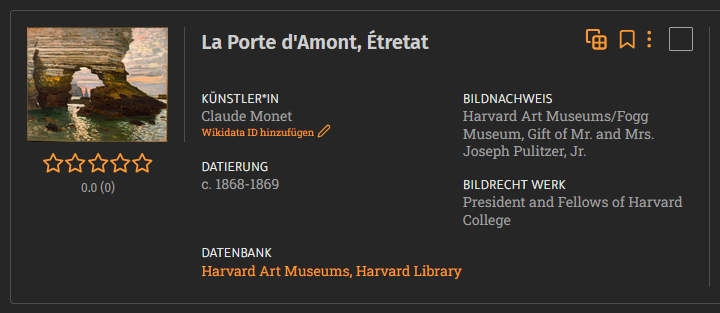
When this feature is turned on, you’ll see a magnified view while you hover your mouse over the image.
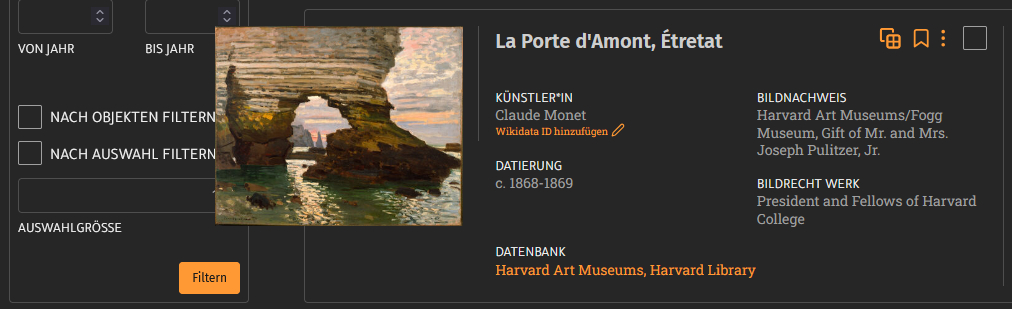
You can turn this feature on or off in the list view of your search results (which displays basic image metadata), in the gallery view with thumbnails, as well as in image collections, your favorites, and your uploads.
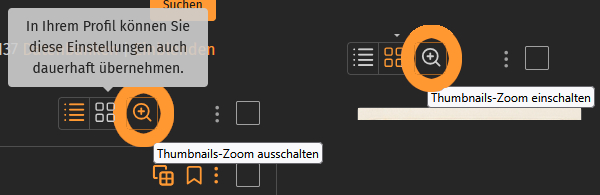
If you prefer to work with or without zoom, you don’t have to turn it on or off for each view; instead, you can set it by checking the box under “zoom thumbnails” in your settings. You also have this option there for image collection entries, uploads, and favorites.
Heinrich Pieroth Collection
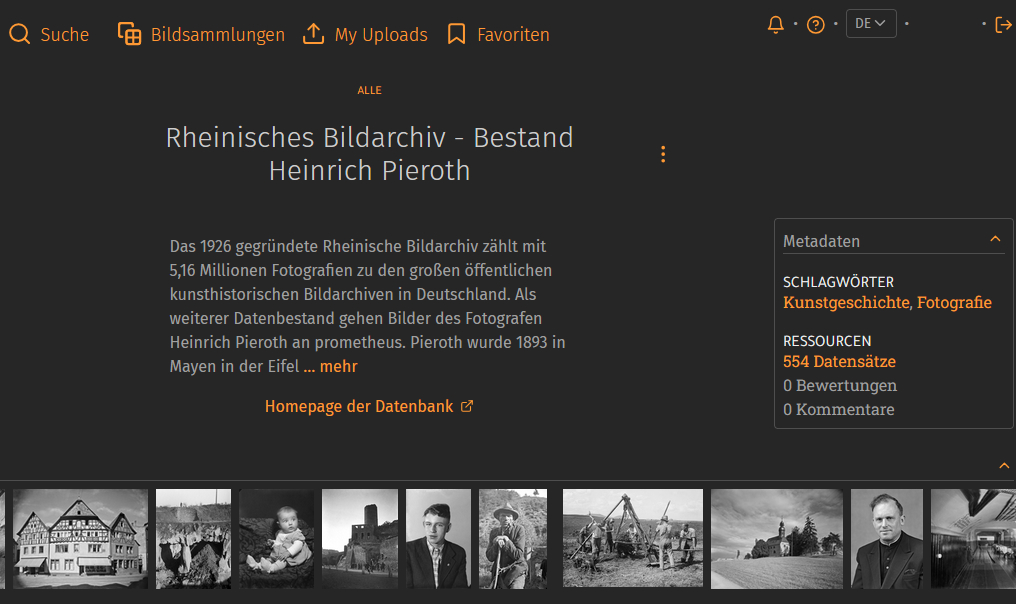
Another research database from the Rheinish Image Archive has been added to the site in the past few days.
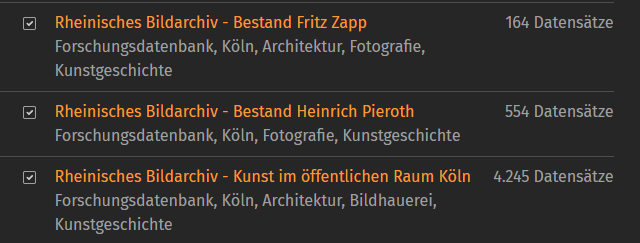
With 5.16 million photographs, the Rheinish Image Archive, founded in 1926, ranks among the largest public art-historical image archives in Germany. This collection includes the estate of photographer Heinrich Pieroth, who was born in Mayen in the Eifel region in 1893. For more than five decades, he ran a photography studio in his hometown and dedicated his entire photographic oeuvre to the Vulkaneifel. From 1920 through the 1950s, he explored the cultural landscape and its buildings with his camera. He found his subjects in the villages, as well as in the fields and quarries: people going about their daily work and enjoying their cultural pastimes. Pieroth’s photographs are visual records of life in the Vulkaneifel during the last century.
“Rhenish Image Archive – Heinrich Pieroth Collection”
Over 4 million
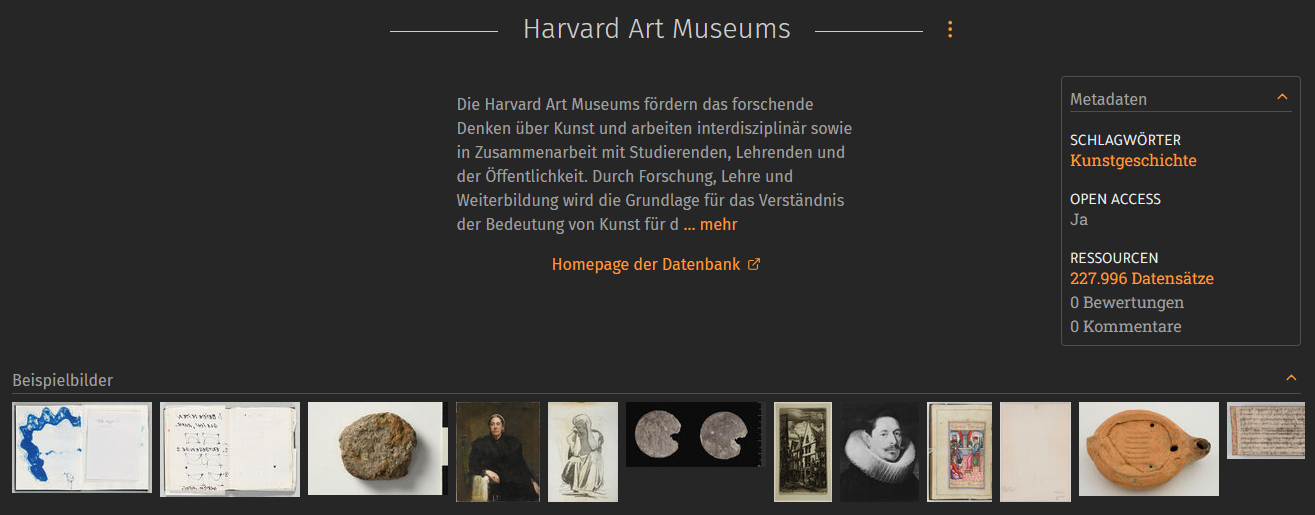
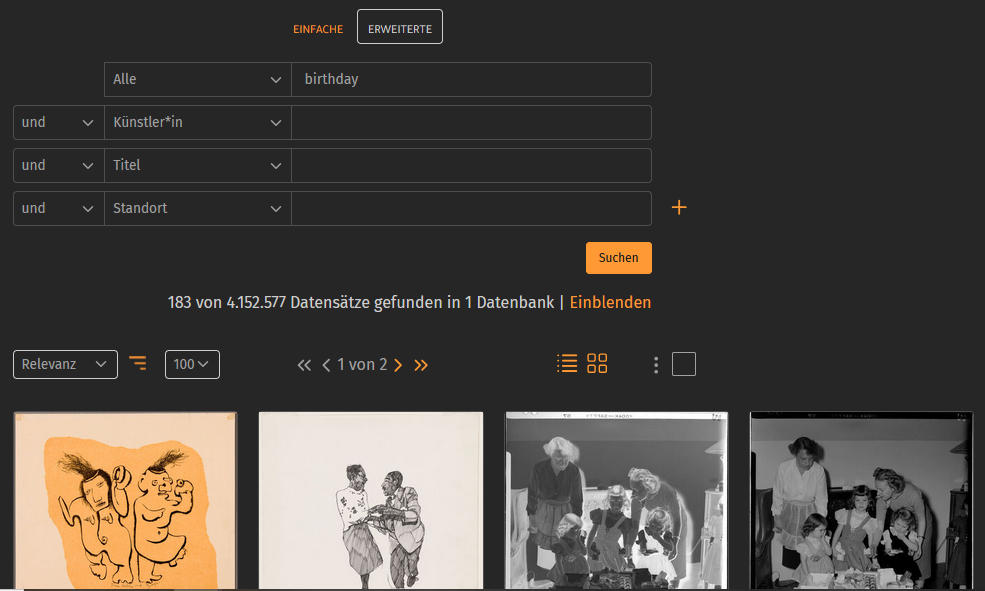
As of yesterday, the image archive has surpassed another million-mark milestone. With the integration of an additional image database, we now offer you over 4 million records for your research. The Harvard Art Museums, which include the Fogg, Busch-Reisinger, and Arthur M. Sackler museums in Cambridge, USA, offer a wide range of artworks from various eras and regions through their online collections. Examples from the 227,996 records …
…searching for “birthday”…
Have fun browsing!
